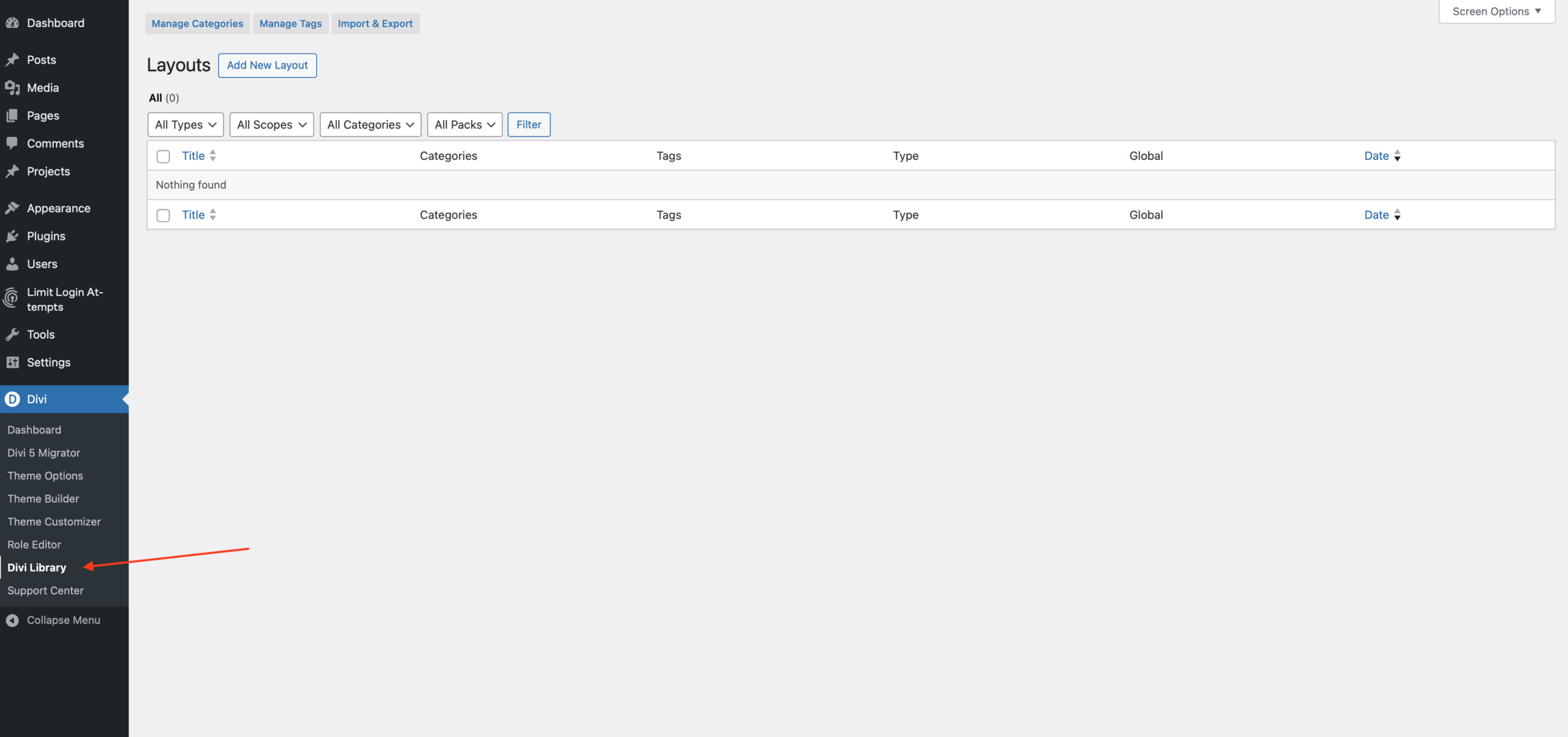
Go to Divi Library
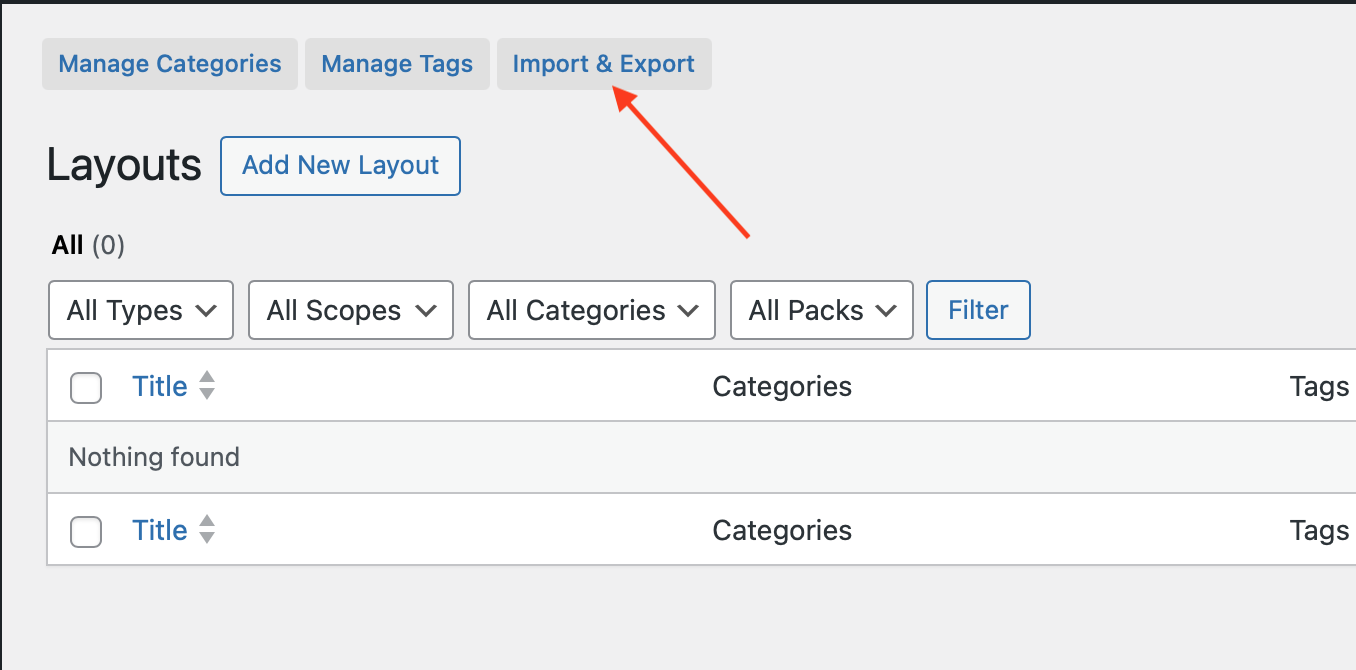
Click Import & Export
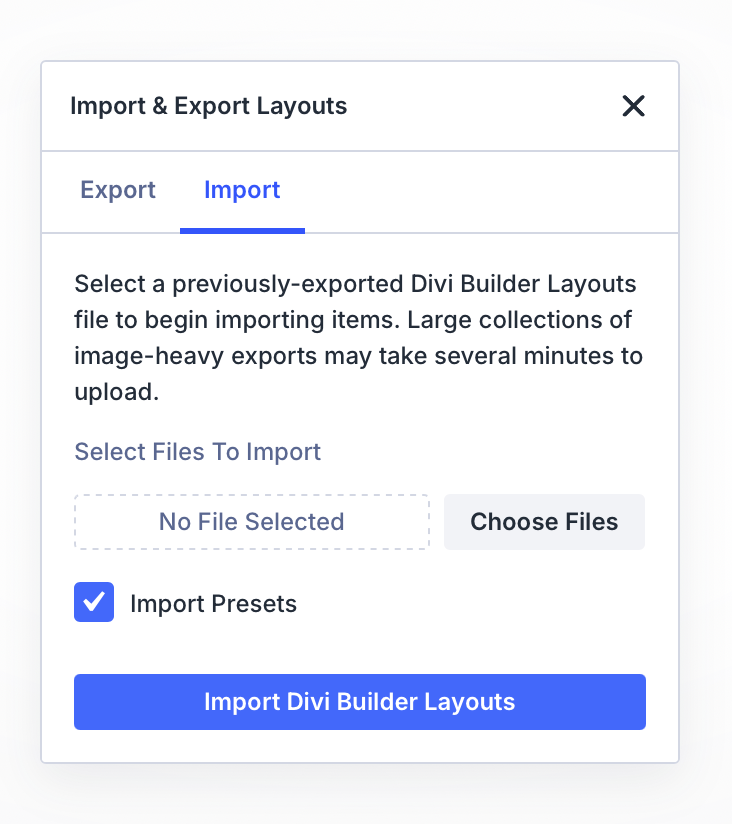
Click Import → select the "App Download Buttons" file → check "Import Presets" → click Import
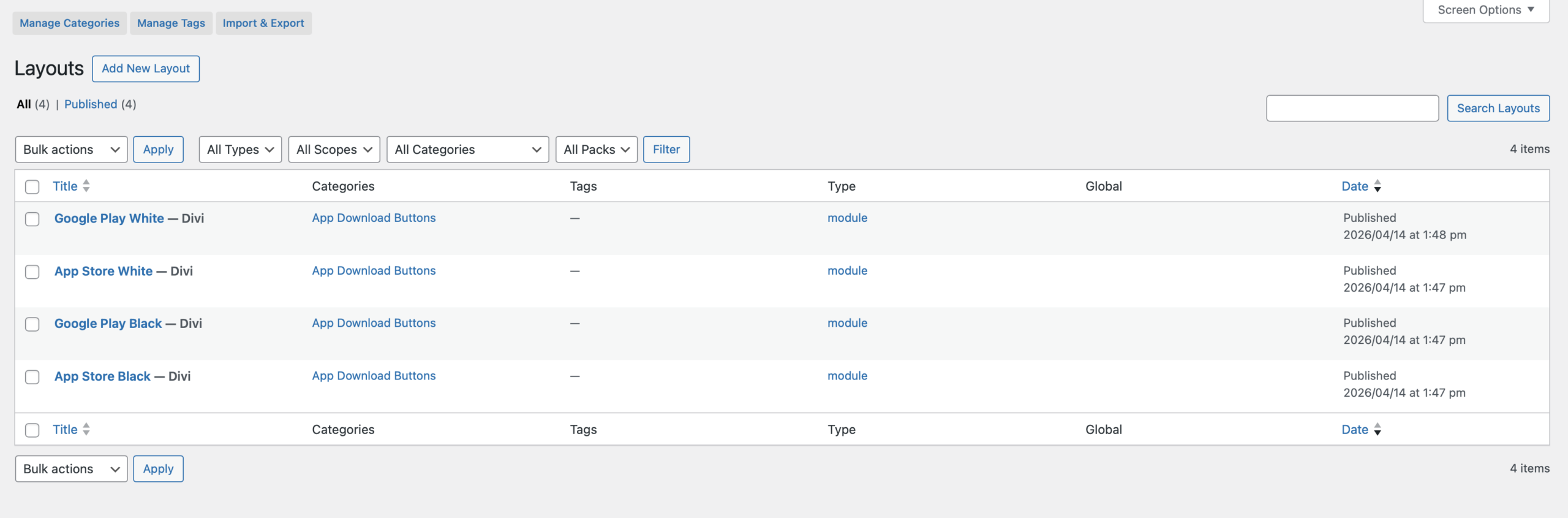
All buttons should now be imported
How to Use the Buttons
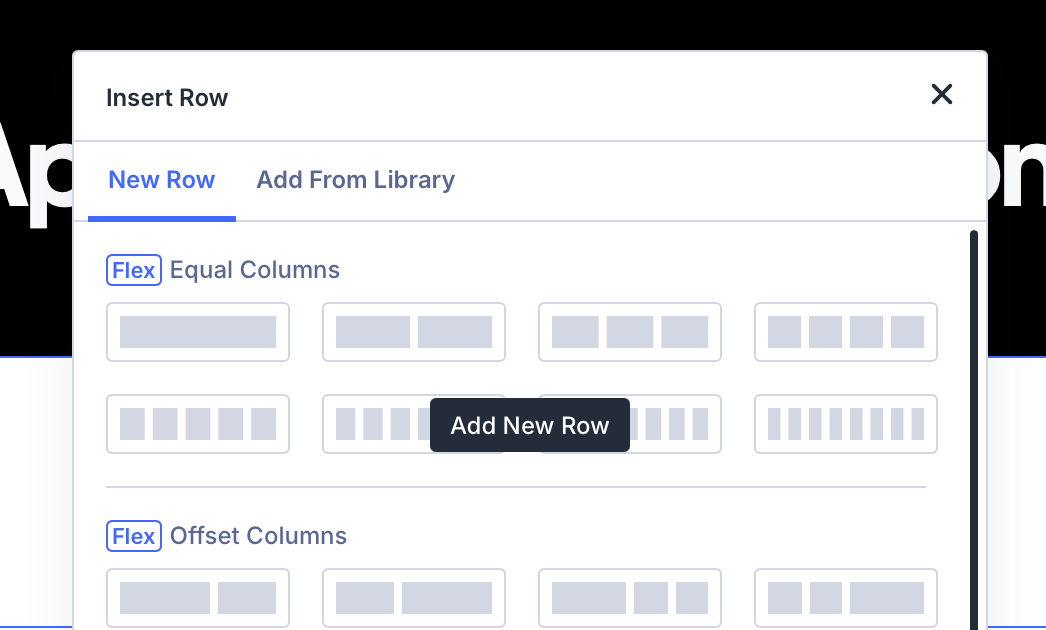
Go to your page → click the green button and select Add New Row
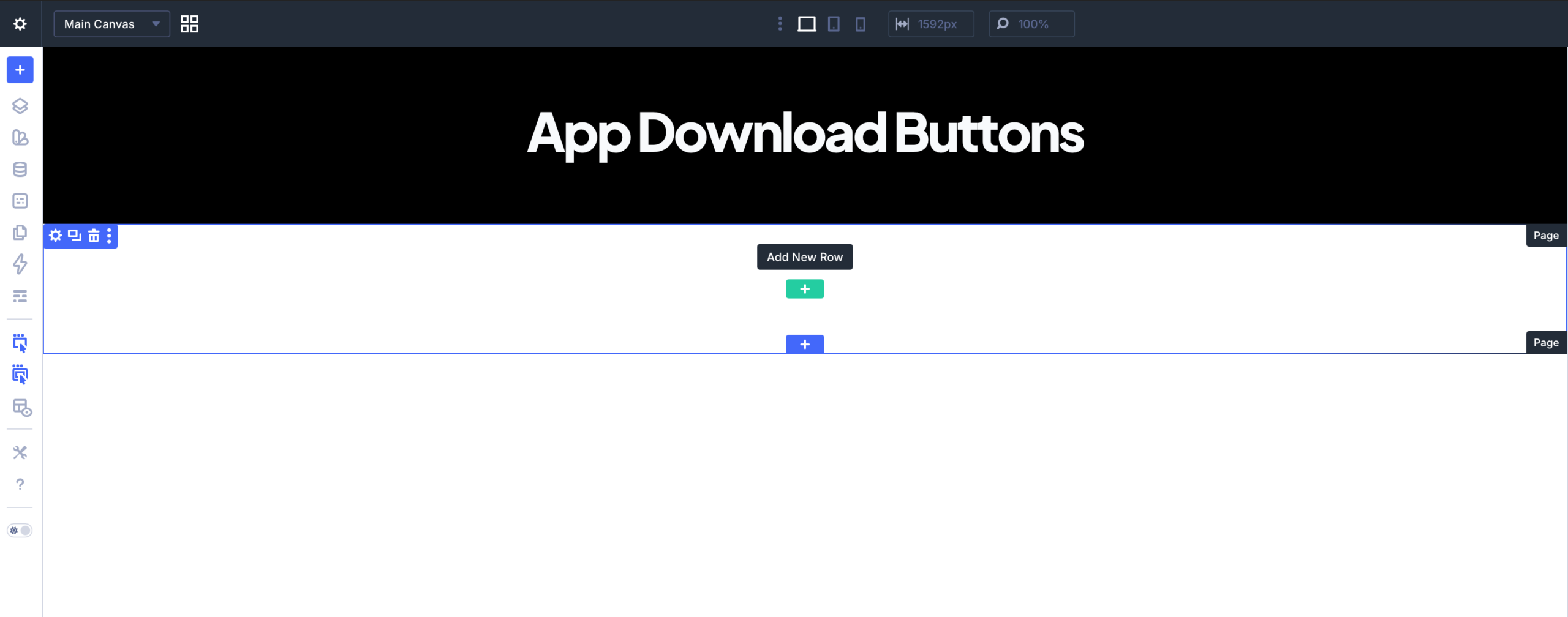
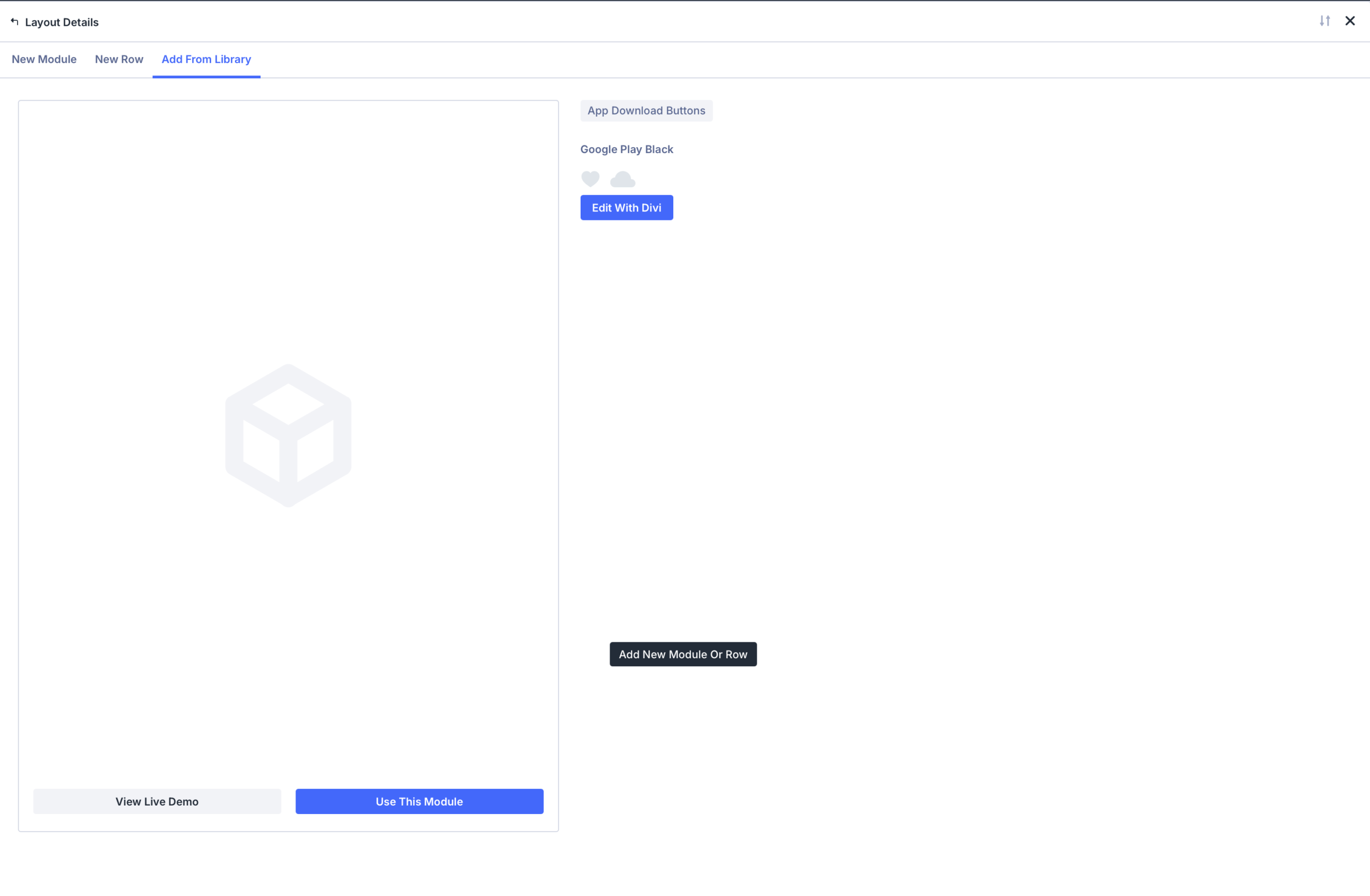
Click "Add From Library"
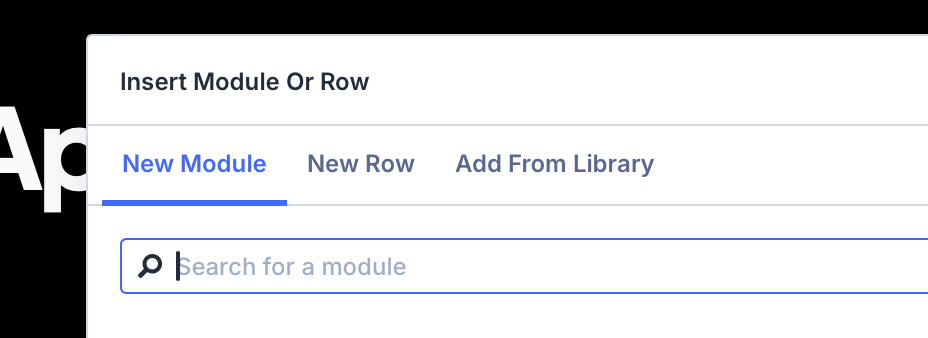
Select "Add From Library" again
Choose your button
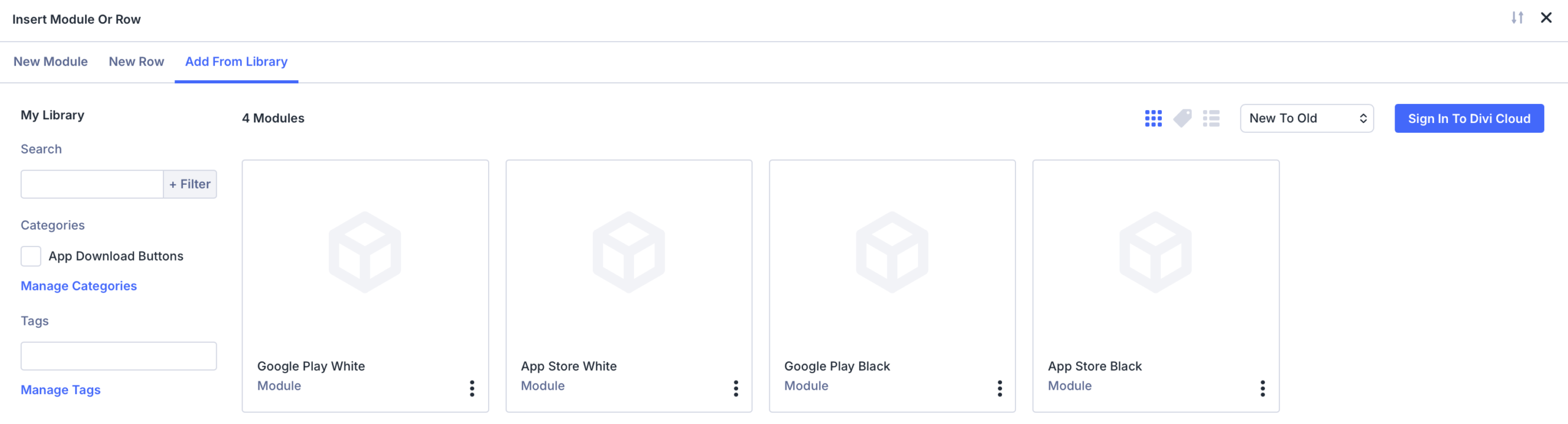
Click the blue "Use This Module" button
That's it! Your buttons are now ready to use.
Download on the
App Store
GET IN ON
Google Play
Download on the
App Store
GET IN ON
Google Play